Designer Guide
This guide teaches you how to create and customize planner templates for Feather Flow. You will learn the project layout, the Jinja2 template language, the calendar data available in every template, how to manage images, fonts and stylesheets, and how to preview your work in a browser while you design.
No programming experience is required. If you are comfortable writing HTML and CSS you already have all the skills you need. You will also need Python 3.12 or newer, a text editor you are comfortable with, and the Feather Flow repository cloned and set up. Follow the Getting Started section in the project README to install the virtual environment and Playwright.
Throughout the guide we build a small Demo Planner step by step - a simplified planner for a single month with a cover page, a month calendar and individual day pages. By the end you will have a working template you can extend into a full design.
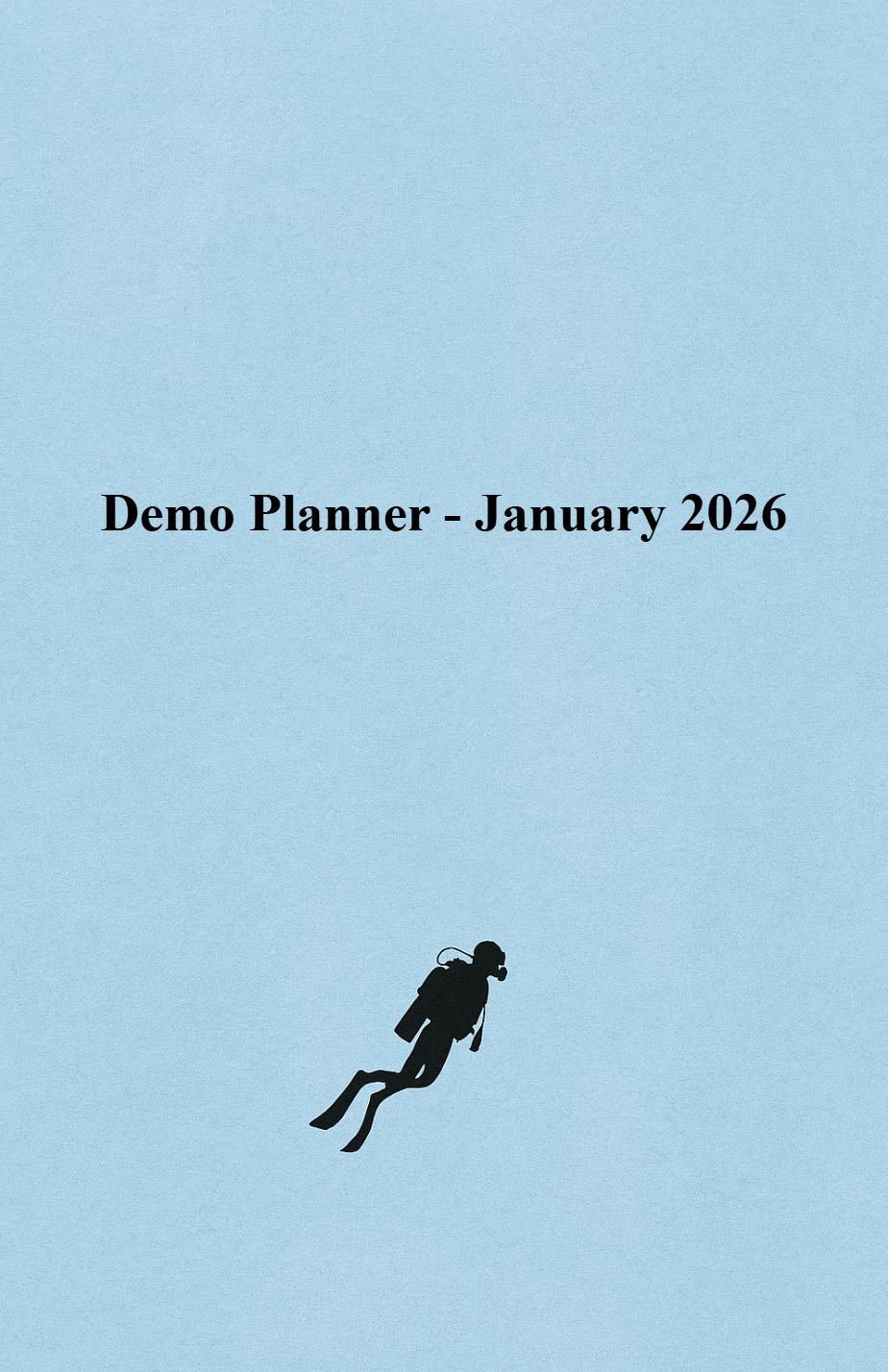
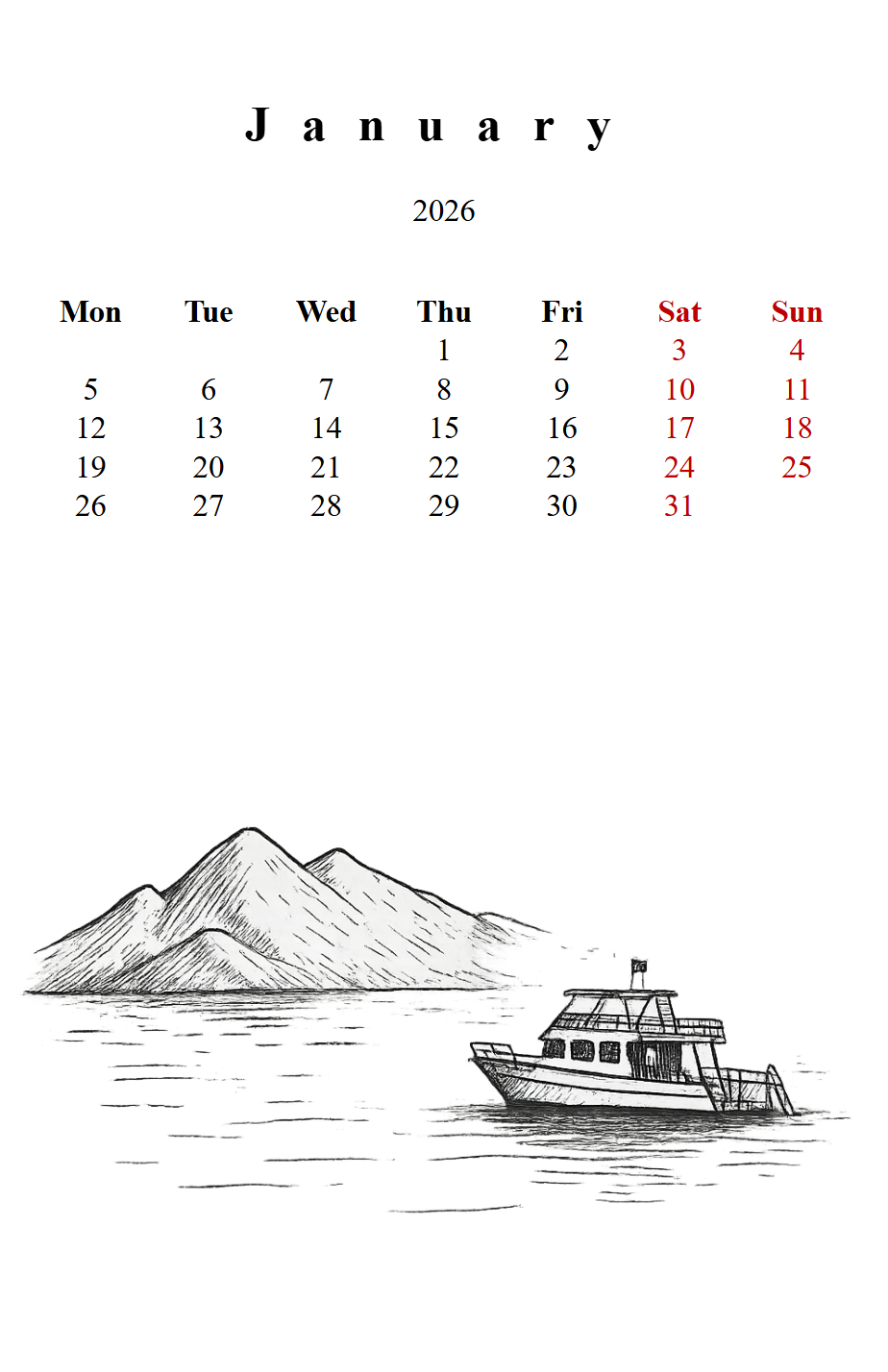
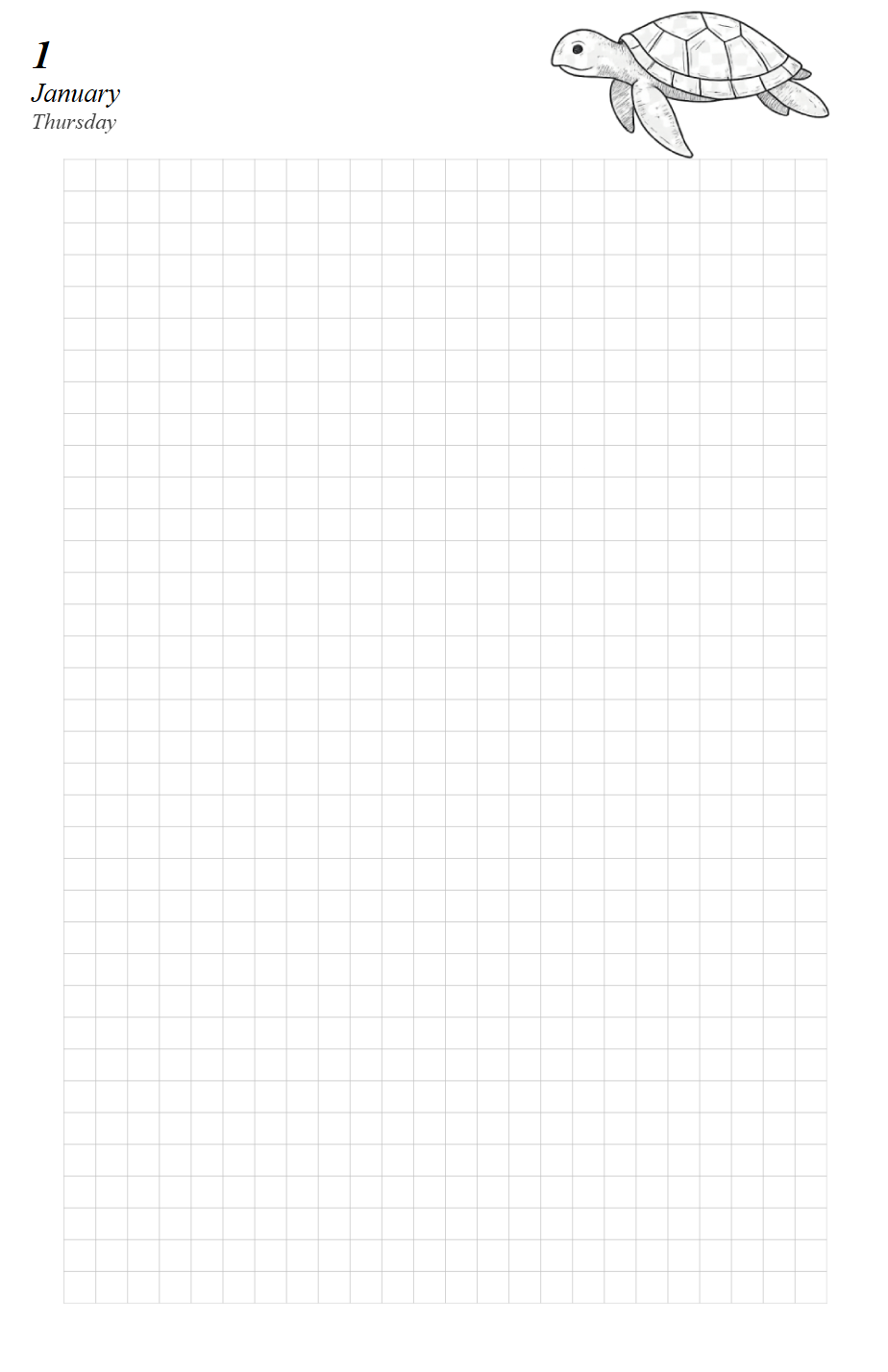
The finished Demo Planner lives in planners/demo/. To see the final result
before you start, generate it with:
pyplanner planners/demo
If you would like to follow the guide hands-on, delete everything in
planners/demo/ except the assets/ folder and build the template from
scratch. You can always restore the original files with git:
git checkout -- planners/demo/
Start with Project Structure to learn where files live and how the rendering pipeline works.