Feather Flow



Feather Flow is a digital planner PDF generator built on top of Jinja2 templates and Playwright. Design your planner pages in HTML/CSS, feed them to pyplanner, and get a print-ready PDF.

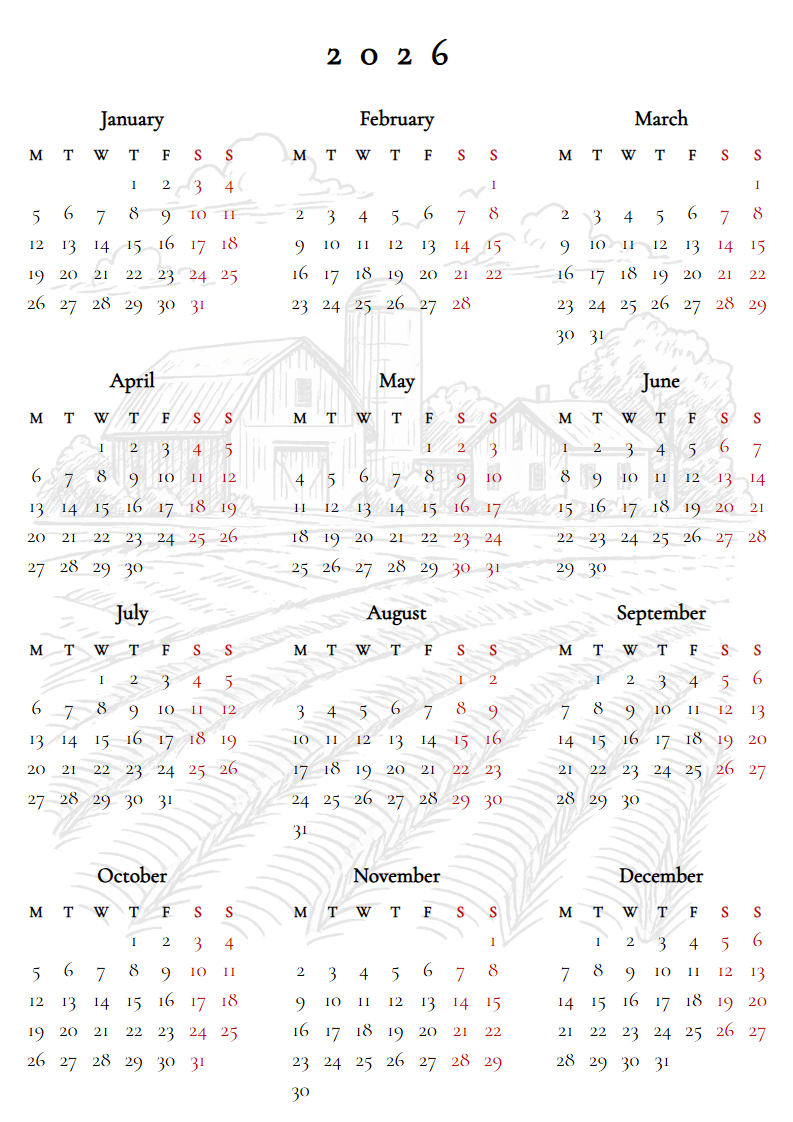
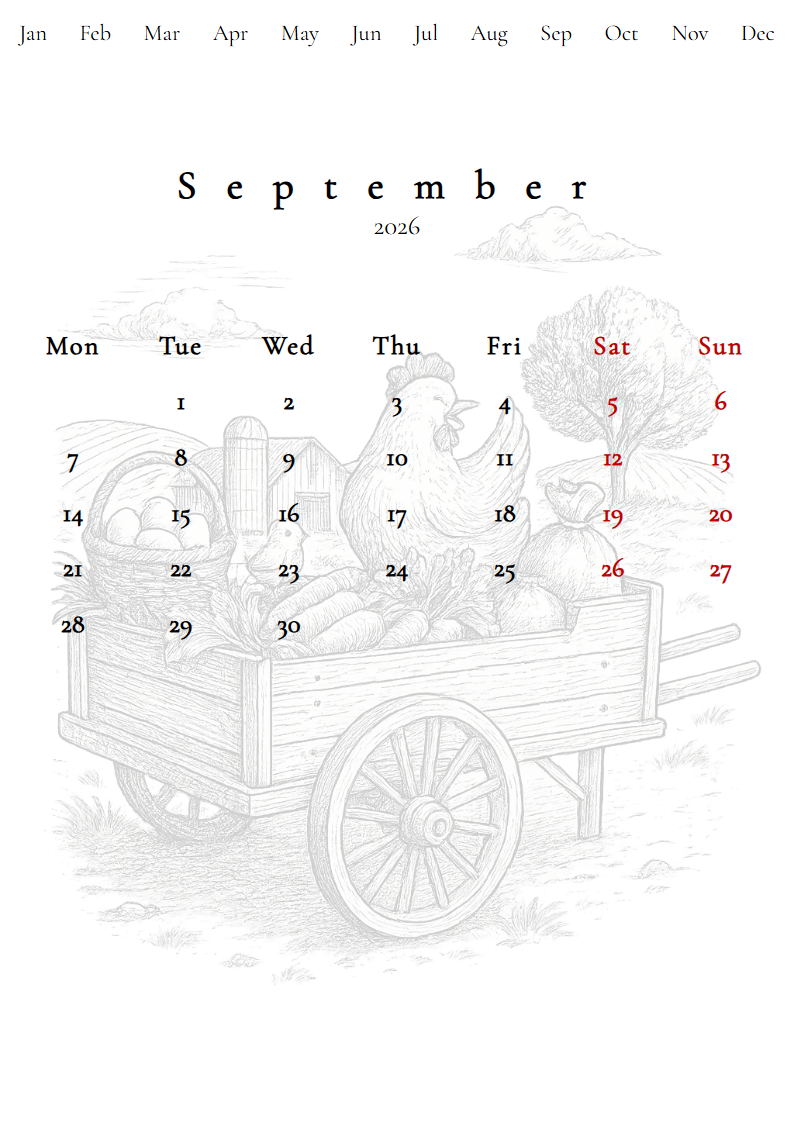
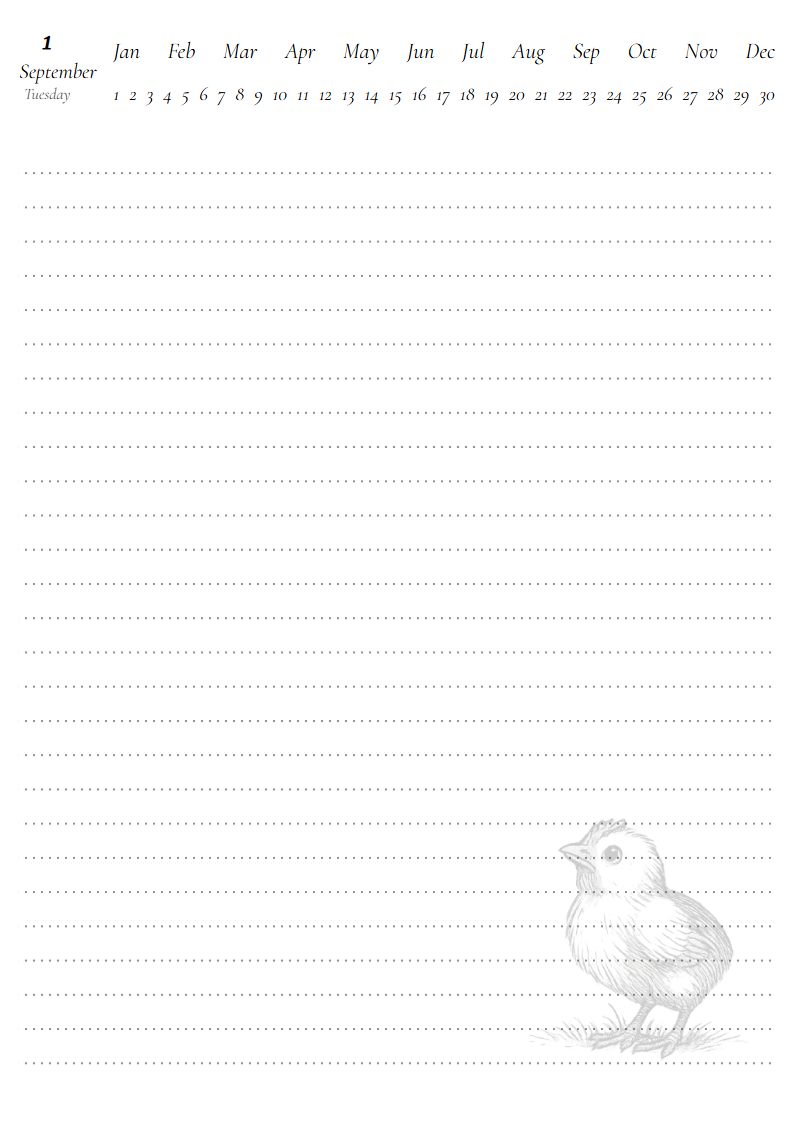
Downloads
Prebuilt PDFs are generated automatically from the latest main branch.
Click a link to download the file directly:
Prerequisites
Python installations from python.org and
the Windows Store include pip out of the box. On Linux it is often shipped in a
separate package. Install it with your distribution’s package manager if the
pip command is not available:
Debian / Ubuntu:
sudo apt install python3-pip python3-venv
Fedora:
sudo dnf install python3-pip
Arch Linux:
sudo pacman -S python-pip
macOS (Homebrew):
brew install python
Getting Started
Clone the repository:
git clone https://github.com/stamerlan/feather-flow.git
cd feather-flow
It is recommended to install Feather Flow inside a
virtual environment - a
self-contained directory that keeps the project’s dependencies isolated from the
system Python and from other projects. This avoids version conflicts and lets
you remove everything cleanly by simply deleting the .venv folder.
Create and activate a virtual environment, then install the package in editable
mode. An editable install (-e) creates a link to the source tree instead of
copying files, so code changes take effect immediately without reinstalling.
On Linux / macOS:
python -m venv .venv
source .venv/bin/activate
pip install -e .
On Windows:
python -m venv .venv
.venv\Scripts\activate
pip install -e .
Playwright requires a browser binary. Install it once after the package is installed:
playwright install chromium
Usage
Generate a PDF from a template. You can pass the planner directory - pyplanner
looks for <dirname>/<dirname>.html inside it:
pyplanner planners/ff-2026
Generate HTML instead of PDF:
pyplanner planners/ff-2026 --html
Generate a PDF with public holidays for a given country (ISO 3166-1 alpha-2
code). The built-in providers are used by default. When --country is given,
the first day of the week is set automatically based on the country’s
convention:
pyplanner planners/ff-2026 --country pl
Set the first day of the week explicitly (name or number 0-6, where 0 = Monday and 6 = Sunday). This overrides any country default:
pyplanner planners/ff-2026 --first-weekday sunday
Combine a country with an explicit first weekday:
pyplanner planners/ff-2026 --country us --first-weekday monday
Suppress progress output:
pyplanner -q planners/ff-2026
Run pyplanner --help for the full list of options.
Building the Documentation
The project uses Sphinx with the Read the Docs theme.
Install the development dependencies (includes documentation and test tools):
pip install -e .[dev]
Build the HTML docs.
On Linux / macOS:
make -C docs html
On Windows:
cd docs
make.bat html
The generated site is written to docs/_build/html/. Open
docs/_build/html/index.html in a browser to view it locally.
On every push to main, the Sphinx Documentation workflow builds and deploys the docs to GitHub Pages automatically.